The payday setup screen is launched by touching the Tools icon  on the calendar screen, then the "Paydays" icon
  .
.
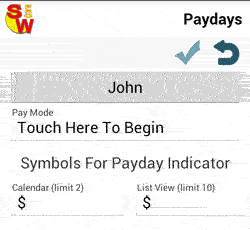
Select 1 of the 5 different modes.
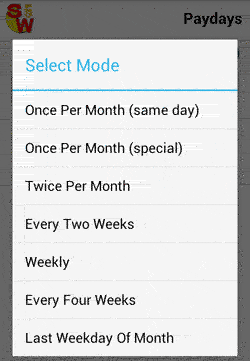
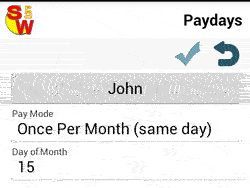
1. Once per month (same day). - payday is on the same day every month.
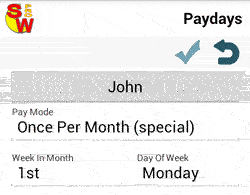
2. Once per month (special). -
payday is on the same day of the week in the 1st, 2nd,3rd,4th, or last week of the month.
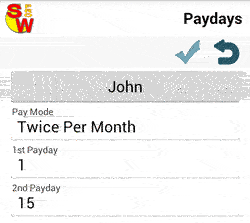
3. Twice per month. -
payday is on the same two days each month.
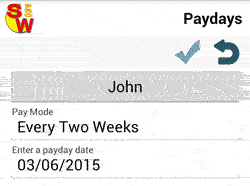
4. Every two weeks. -
payday is every other week.
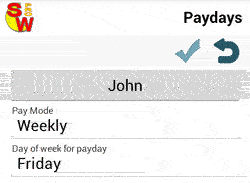
5. Weekly. - payday is the same day every week.
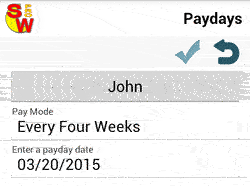
6. Every 4 weeks. - payday is every four weeks.
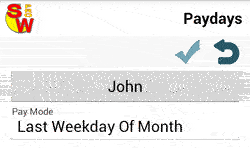
6. Last Weekday of Month. - payday is the last weekday of the month.
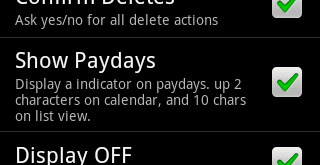
Note: You may need to enable paydays in the options screen, before they will be displayed.